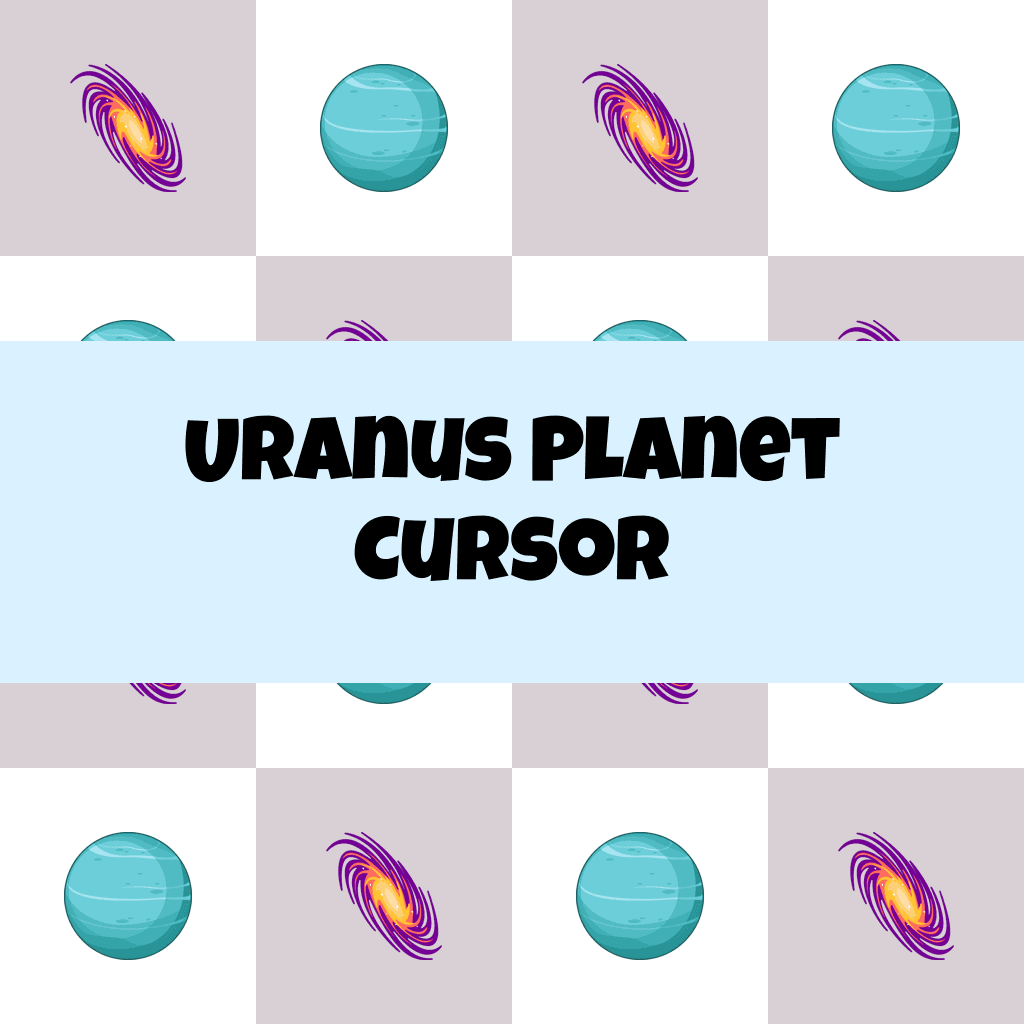
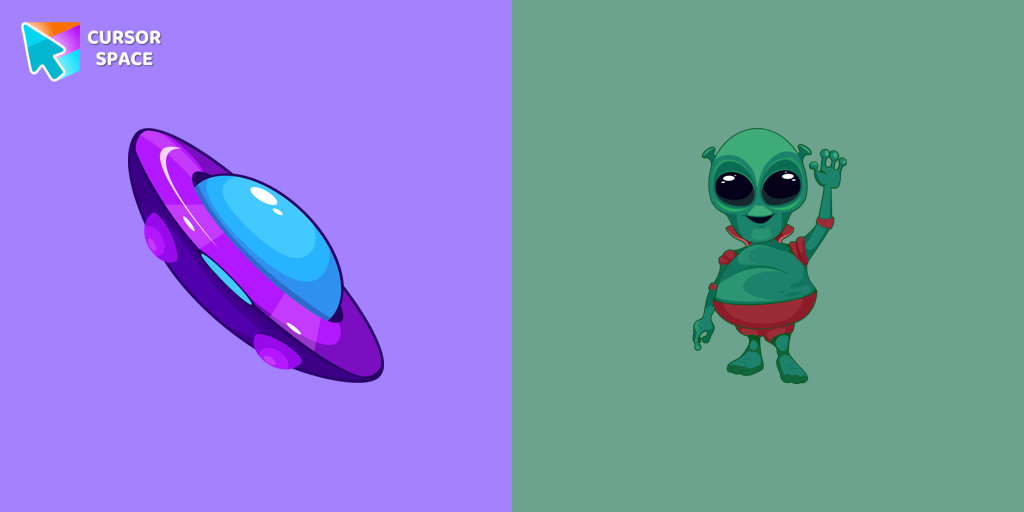
Uranus Planet Cursor

Uranus Planet cursor cursor pack
Preview Uranus Planet cursor custom cursor pack
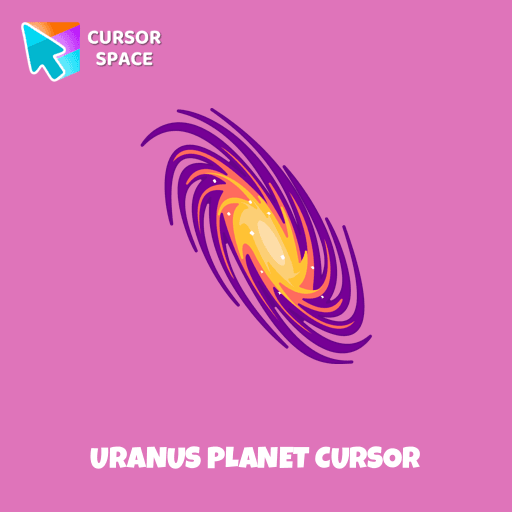
Uranus Planet cursor arrow cursor
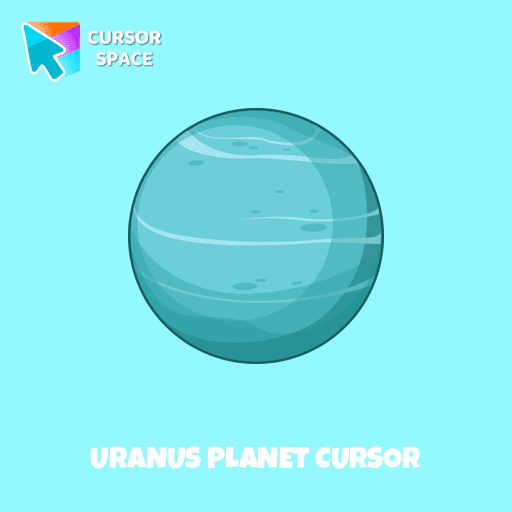
Uranus Planet cursor pointer cursor

Description

Explore the mysteries of the solar system with a custom cursor for Google Chrome. Uranus, the seventh planet from the Sun, comes to life with our well-designed custom galaxy cursor. Transform your browsing experience with the Space custom cursors collection, featuring unique and captivating designs. Add a touch of space exploration to your screen and make your cursor stand out today.

This is an excellent choice for astronomy enthusiasts and individuals who appreciate distinctive and engaging browsing experiences.

What's included in the package

  • Default Cursor
  • Pointer (Hand)

How to install a custom cursor pack Uranus Planet Cursor
  1. Install the Cursor Space extension for Chrome or Cursor Space for Edge in your browser.

  2. On this page, click "Add this cursor pack to the extension".

  3. Open the extension and go to the Packs tab.

  4. Find the custom cursor pack "Uranus Planet cursor" and click it.

  5. Enjoy!

Ready to install?

Get this cursor pack and thousands of others by installing our extension. It's fast and free!

About this cursor pack

Uranus Planet Cursor is a themed cursor pack you can add to your browser to personalize your pointer across common cursor states (default and pointer). Use it for everyday browsing, streaming, studying, or gaming-anywhere you want your cursor to match your vibe.

Instant preview

See how the cursors look before installing.

Easy install

Add the pack to the extension in a few clicks.

Works in your browser

Designed for Chrome and Edge via the extension.

FAQ

Quick answers to common questions about cursor packs, collections, and installation.

Do I need an extension?

Yes. To apply cursor packs in Chrome or Edge, install the Cursor Space extension and add this pack to it.

Which browsers are supported?

Cursor packs are designed for Chromium browsers like Chrome and Microsoft Edge.

How do I switch back to the default cursor?

Open the extension, choose another pack or disable the current one to return to your default cursor.

Popular cursors today

Custom cursor and packs - neon, anime, pixel art. Quickly add to Chrome and Microsoft Edge for free

  • TOP 1
    Mechanical cursor

    Mechanical cursor

    (245)
    Free

    Upgrade your desktop with the Mechanical custom cursor, a sleek blend of technology and elegance for a futuristic browsing experience.

  • TOP 2
    Anime Naruto cursor

    Anime Naruto cursor

    (192)
    Free

    The Anime Naruto cursor is a custom cursor for Google Chrome that lets fans personalize their computer with iconic characters from the Naruto series.

  • TOP 3
    Little Pointer cursor prank

    Little Pointer cursor prank

    (1.4k)
    Free

    Enjoy a fun twist on browsing with the Little Pointer custom cursor for Google Chrome. This playful custom cursor shrinks your pointer, adding a touch of surprise and humor.

  • Forbidden Pointer cursor prank

    Forbidden Pointer cursor prank

    (1.8k)
    Free

    Transform your browsing with the Forbidden Pointer custom cursor for Google Chrome. This fun prank cursor mimics a "no entry" sign, creating amusing and unexpected reactions.

  • Angry Skull cursor

    Angry Skull cursor

    (26)
    Free

    Angry Skull cursor for a mouse is a good Halloween art to decorate your browsing.

  • Zombie red hand cursor

    Zombie red hand cursor

    (30)
    Free

    Enhance your browsing with the Zombie Red Hand custom cursor. This unique custom cursor for Google Chrome adds personality and a playful touch to your screen.

  • Spinner cursor

    Spinner cursor

    (263)
    Free

    The Spinner cursor is a distinctive and visually appealing choice for your mouse cursor, providing an opportunity to set yourself apart from the default cursor.

  • The Jolly cursor

    The Jolly cursor

    (22)
    Free

    The Jolly cursor, a remarkable addition to The Cursors' collection, boasts an attractive design and smooth functionality, delighting users who seek an improved browsing experience.

  • Green cursor

    Green cursor

    (755)
    Free

    Enhance your browsing experience with the charming Green custom cursor, a delightful upgrade that transforms your ordinary pointer with style and playfulness.

  • Blue Bug cursor

    Blue Bug cursor

    (24)
    Free

    The Cursors for Chrome set features the delightful Blue Bug cursor and a sleek pointer, bringing both fun and elegance to your browsing experience.

  • Oreo white cursors

    Oreo white cursors

    (185)
    Free

    Upgrade your interface with Oreo White Cursors. Enjoy a clean, custom cursor design that complements any digital environment.

  • Lava Texture cursor

    Lava Texture cursor

    (310)
    Free

    Ignite your browsing with the Lava custom cursor for Google Chrome, inspired by volcanic magma. Experience intense energy right on your screen.

Collection hits

Installation leaders from "Custom Space Cursors": free packs, neon/anime/pixel art, quick add to Chrome and Edge.

  • TOP 1
    Brave Astronaut cursor

    Brave Astronaut cursor

    (23)
    Free

    The well-designed Astronaut custom mouse cursor from our collection of custom space fiction mouse cursors.

  • TOP 2
    Astronaut cursor

    Astronaut cursor

    (21)
    Free

    A well-designed custom cursor in the form of a constellation, from our fantastic collection of solar system cursors with planets and space.

  • TOP 3
    Friendly Alien cursor

    Friendly Alien cursor

    (16)
    Free

    A well-designed custom cursor in the form of a flying UFO, from our fantastic collection of solar system cursors with planets and space.

Install Cursor Space - A Collection of Custom Cursors for Chrome & Edge

Add packs instantly and unlock access to thousands of cursors: neon, anime, pixel-art, and more. Fast, safe, and free.

  • Free cursor packs
  • HD/HiDPI & animated icons
  • Quick browser installation

Cursor Space is an extension for changing your mouse cursor in Chrome and Edge browsers: themed collections, HiDPI icons, neon, animated, and pixel cursors, with quick installation.

Install Extension

To use packs with one click, you need our free browser extension. Install it and come back!